Affiliate Disclosure: We earn commissions through affiliate links at no cost to you.
CrushOn AI Download 2026: Getting Started on Every Device
The fastest way to start is not a download at all — it's going to crushon.ai in any browser. For users who want an app experience, here's the right path for each device.
The Fastest Start: Web (No Download)

Opening crushon.ai in any browser — Chrome, Safari, Firefox, Edge — delivers the full CrushOn AI experience without installation. You can create an account and start a conversation in under three minutes.
This is the platform's primary access path. No version lag, no regional availability issues, and full feature access. For new users deciding whether to invest further in the platform, starting with the web version before installing anything makes sense.
Mobile (Android): The Preferred App Path
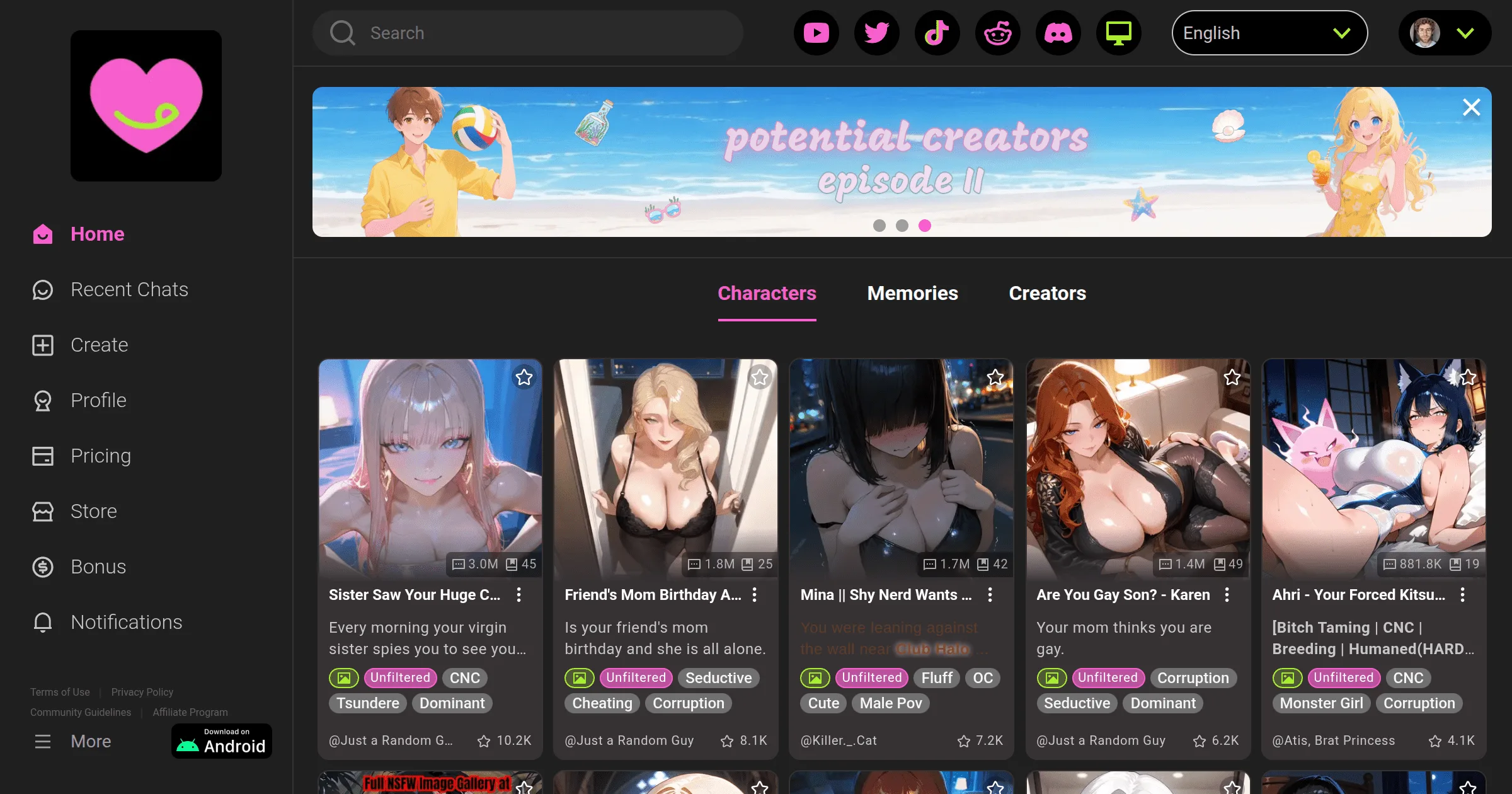
If you want a native app experience on Android:
- Open Google Play Store
- Search "CrushOn AI" or go directly to the listing
- Tap Install and wait for download to complete
- Open the app — log in or create a new account
The Android app is the native mobile experience and is available in most regions. Features match the web version.
Android Without Google Play: The APK Path
For regions where the Google Play listing is unavailable, CrushOn AI provides the official APK through the website:
- On your Android device, go to crushon.ai
- Find the APK download link (available in the site footer or via in-app prompt on the website)
- Download the APK
- In Android Settings, enable "Install from unknown sources" for your browser
- Open the downloaded file and install
Only download APKs from crushon.ai. Third-party APK repositories carry risk of modified files.
Mobile (iPhone/iPad): The Web App Path
iOS App Store availability for CrushOn AI varies by region because of Apple's content policies. Rather than hunting for the App Store listing, use the web app:
- Open Safari on your iPhone or iPad (not Chrome — Safari works best for this)
- Navigate to crushon.ai
- Log in or create your account
- Tap the Share icon (box with arrow) > "Add to Home Screen"
- Confirm — a CrushOn AI icon now appears on your home screen
Tapping this icon opens crushon.ai in full-screen Safari, which functions identically to a native app. All features including NSFW are available. This is the recommended iOS path regardless of App Store availability.
Desktop (Windows and Mac): Browser Is Enough
There is no CrushOn AI desktop application. Open any browser and go to crushon.ai. For a near-app experience:
Chrome on Windows/Mac:
- Open crushon.ai
- Three-dot menu > More Tools > Create Shortcut
- Check "Open as window"
- A standalone CrushOn AI window opens without browser chrome
Safari on Mac:
- crushon.ai works normally in Safari; no special steps required for a good experience
After Getting Access: Your Account Follows You
Your CrushOn AI account — subscription, characters, conversation history, coins — is stored on CrushOn AI's servers and follows you across devices. Log in to the same account on web, Android, and iOS Safari and your content is consistent everywhere.
This means:
- Switching from web to mobile does not start over
- Reinstalling the app does not lose your data
- You can use multiple devices with the same account
Frequently Asked Questions
Apple's App Store content policies have caused regional availability issues for adult content platforms. The web app (crushon.ai in Safari + Add to Home Screen) provides full feature access without the App Store restriction.
Yes. The official APK is the same application. The only security consideration is source — always download from crushon.ai directly.
No. The web version is the reference product. All features — messages, image generation, NSFW content, character creation, model selection — are available on web.
No. Everything is stored server-side. Log in to your account on the new device and your content is fully accessible.
No. CrushOn AI requires an internet connection — all AI processing happens on their servers.
For troubleshooting when the app or website won't load, see our not working guide.