Affiliate Disclosure: We earn commissions through affiliate links at no cost to you.
CrushOn AI Not Working 2026: Fix Every Problem
When CrushOn AI stops working, the first step is not to start fixing things — it's to identify what type of problem you have. Platform-down problems resolve themselves. Device-side problems need your action. Getting the diagnosis right prevents wasted troubleshooting.
Step 1: Identify Platform vs. Device Problem
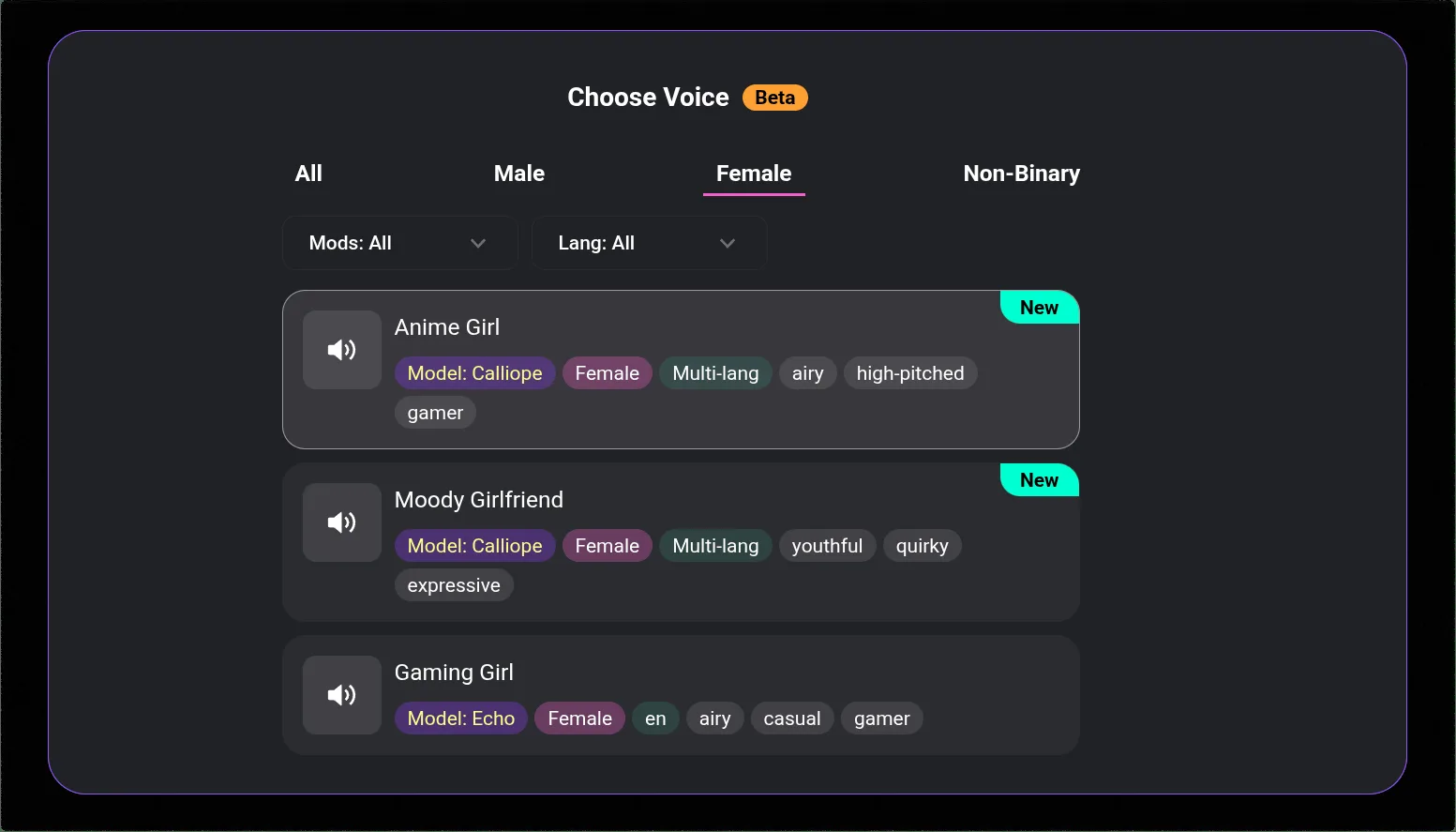
Check @CrushonAI on Twitter/X first. If there is an outage, maintenance, or known issue, the team posts there. If you see a recent acknowledgment, the problem is platform-side — wait.
If Twitter shows nothing unusual:
Test in incognito/private browsing mode. If CrushOn AI loads in incognito but not in your normal browser, the problem is device-side (browser cache or extension). If it fails in both, test from a different device or network.
| Test Result | Conclusion |
|---|---|
| Works in incognito | Browser cache or extension issue |
| Works on different device | Device-specific issue |
| Fails everywhere, Twitter shows no issues | Check again in 15-30 min; may be early-stage incident |
| @CrushonAI acknowledged issue | Platform-side — wait |
Loading Problems: Systematic Fix
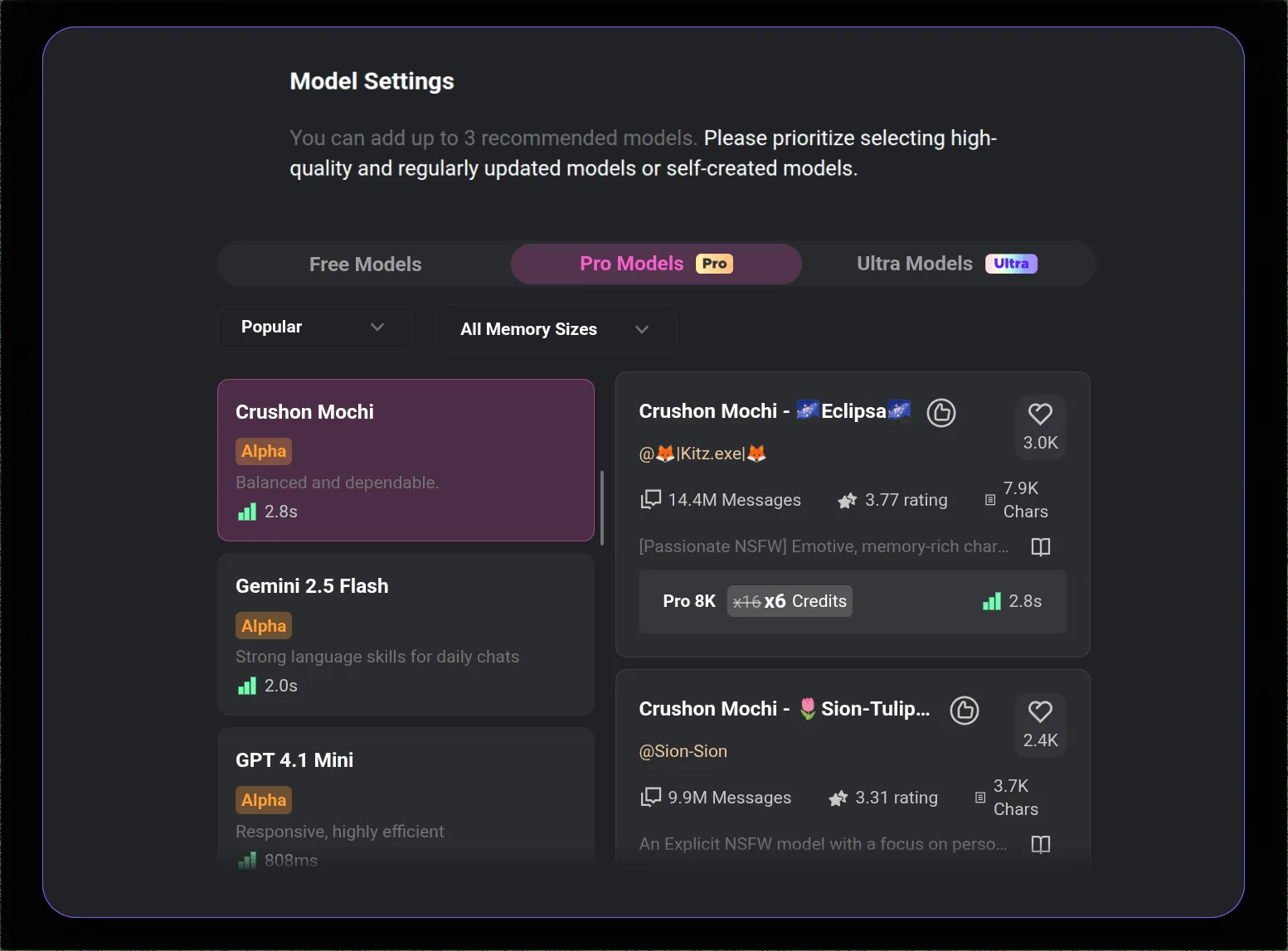
Once you know it's device-side, work through these steps:
Clear browser cache:
Chrome: Settings > Privacy and security > Clear browsing data > Cached images and files > Clear data. Then hard refresh: Ctrl+Shift+R (Windows) / Cmd+Shift+R (Mac).
Test in incognito:
If this resolves it, a browser extension is the cause. Re-enable extensions one at a time to identify the specific one.
Switch browsers:
Chrome → Firefox → Edge. If one works and another doesn't, the browser itself is the issue.
Flush DNS:
Windows: ipconfig /flushdns in Command Prompt. Mac: sudo dscacheutil -flushcache in Terminal. This resolves some loading failures caused by DNS caching.
Switch from web to app (or vice versa):
If web isn't loading, try the Android app or the APK. If the app isn't loading, try crushon.ai in a browser.
Login Failures: What Each Scenario Means
The most common login mistake: trying to log in with email/password on an account created with Google OAuth, or vice versa.
Account created with Google: Use the "Sign in with Google" button. Email/password login is a separate authentication path — it will not work on a Google-auth account.
Account created with email/password: Use "Forgot Password" if the password isn't working. Check spam folder for the reset email.
Login loop (redirects without logging in): Clear all cookies for crushon.ai in browser settings. The loop is usually caused by stale session data.
2-factor or verification issues: Complete any verification steps sent to your registered email.
App Crashes: The Fix Path
| Problem | Fix |
|---|---|
| Crashes on launch after update | Update to latest version in Play Store |
| Crashes during use | Clear app cache: Settings > Apps > CrushOn AI > Storage > Clear Cache |
| Crashes persist after cache clear | Uninstall and reinstall — account data is not lost |
| Crashes on a specific character | Issue may be conversation-specific; start a new conversation |
Uninstalling and reinstalling the app is always safe. All account data, characters, and conversation history live on CrushOn AI's servers — they are not stored locally.
Image Generation Failures
| Error | Cause | Fix |
|---|---|---|
| "Image not found" | Peak-hour server congestion | Refresh and retry; off-peak hours work better |
| Generation just fails | Quota exhausted | Check monthly quota; upgrade or wait for reset |
| Image displays as blank | Browser cache | Clear browser cache |
| Wrong content generated | Underspecified prompt | Add more specific description |
| NSFW generation blocked | Age not verified / wrong tier | Complete age verification; upgrade to Standard+ |
Slow Responses and Performance
Free tier users are deprioritized relative to paid subscribers — dedicated server capacity is a paid feature. If you're on free and responses are very slow during peak hours, this is expected behavior.
If you're on a paid tier and still experiencing significant slowness, check @CrushonAI for load issues. Server capacity events affect the platform periodically.
Known Ongoing Issues (2026)
| Issue | Status |
|---|---|
| DeepSeek model instability | Ongoing — use MythoMax, GPT-4o, or Claude 3.5 Sonnet instead |
| iOS App Store regional restrictions | Ongoing — use crushon.ai in Safari |
| Peak-hour image delays | Intermittent |
| Message repetition in specific threads | Intermittent — new conversation resolves it |
Ready to try CrushOn AI?
Visit CrushOn AIFrequently Asked Questions
Clear cache and hard refresh. Test in incognito. If incognito works: browser extension issue — identify by re-enabling one at a time. If incognito also shows blank: check @CrushonAI for platform issues.
Check your internet connection first. If connection is fine, check @CrushonAI for server-side issues. Network errors can originate from either side.
Ensure you're on the latest available version (an update may already fix the crash). If latest version still crashes, uninstall and reinstall. Nothing is lost — all data is cloud-stored.
Brief events: 15-60 minutes. Scheduled maintenance is announced and time-bounded. Major incidents are rare and typically resolve within a few hours.
For installation and access issues on specific platforms, see our download guide.